How to Choose the Right ERPNext Modules for Your Business
 Aug 05, 2026
Picking an ERP system is easy. Picking the right modules inside that ERP system is where most businesses go wrong.
ERPNext is one of the most popular open source ERP platforms in the world and for good reason - it's flexible, affordable and built to scale with a business rather than boxing it in. But that flexibility is also where the confusion starts. Unlike rigid, one-size-fits-all software, ERPNext lets you activate only the modules you need. That's a huge advantage, but it also means you have to make a decision: which modules actually move the needle for your business and which ones are just going to sit there unused, adding complexity without adding value?
In this guide, we'll walk through the core ERPNext modules, explain what each one actually does in plain language and give you a practical framework for deciding what to implement - and when. Whether you're a manufacturer trying to tighten your shop floor, a retailer chasing better stock accuracy, or a services firm trying to bill clients faster, this article will help you build an ERPNext solution that fits your business instead of the other way around.
Why ERPNext Module Selection Matters More Than People Think
A lot of ERP projects fail not because the software is bad, but because the implementation tries to do too much, too fast. Teams turn on every available module on day one, employees get overwhelmed by screens and fields they don't understand and adoption stalls. Within a few months, the "powerful new ERP system" is being used as not much more than an expensive spreadsheet replacement.
The smarter approach - and the one we recommend to every business we work with - is to treat module selection as a strategic decision, not a technical checkbox exercise. Ask what problem you're actually trying to solve first. Is it late payments? Inventory mismatches? Manual payroll errors? Once you know the pain point, the right ERPNext modules become much easier to identify.
This is also where ERPNext's reputation as a leading open source ERP system pays off. Because it's modular by design, you're not locked into a rigid package. You can start lean, prove value in one department and expand deliberately. That's a very different experience from legacy ERP software, where you often pay for - and get stuck configuring - modules you'll never touch.
Understanding the Core ERPNext Modules

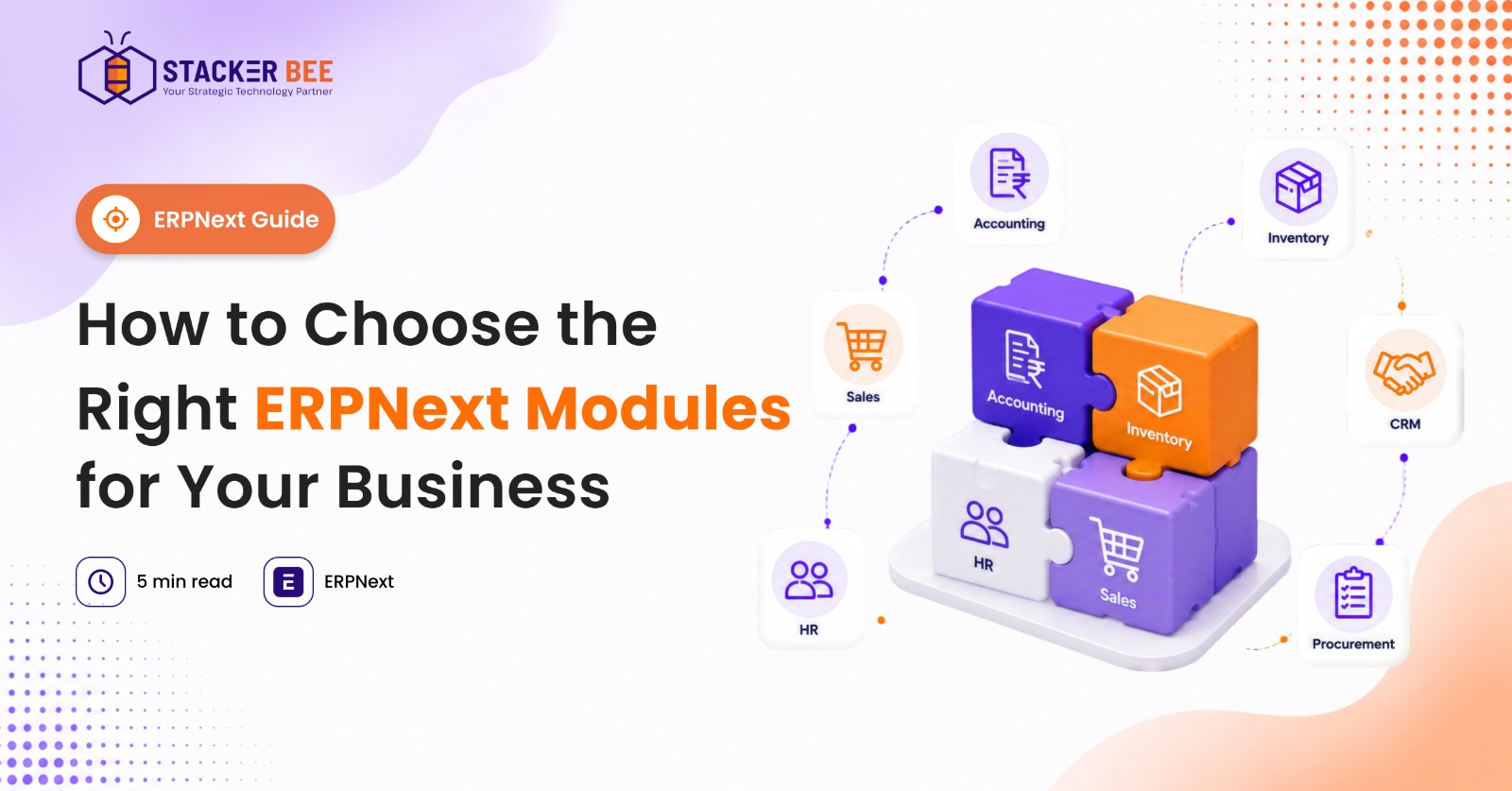
Before choosing anything, it helps to understand what's actually on the menu. Below is a breakdown of the primary ERPNext modules most businesses evaluate, along with who each one is built for and what it solves.
1. Accounting Module
The Accounting module is the financial backbone of ERPNext and, for most businesses, the natural starting point. It covers general ledger management, accounts payable and receivable, multi-currency transactions, tax compliance, budgeting and financial reporting.
Best for: Every business, regardless of size or industry. Clean financial data is the foundation everything else builds on.
What it solves: Manual bookkeeping errors, delayed financial visibility and disconnected accounting tools that don't talk to your sales or purchasing data.
2. Sales Module
The Sales module manages your entire order-to-cash pipeline - quotations, sales orders, pricing rules, delivery tracking and invoicing. It's tightly integrated with Accounting and Inventory, so a sale automatically triggers the right downstream stock and financial updates.
Best for: Businesses juggling multiple sales channels or a growing quote-to-order pipeline.
What it solves: Lost or duplicated quotes, pricing inconsistencies and the classic disconnect between what sales promises and what operations can actually deliver.
3. CRM Module
Customer Relationship Management in ERPNext handles leads, opportunities, customer communication history and pipeline tracking. Because it lives inside the same system as your Sales and Accounting data, your sales team gets a full view of a customer's order and payment history without switching tools.
Best for: Sales-driven organizations that need better lead tracking and conversion visibility.
What it solves: Leads falling through the cracks, siloed customer data and poor handoffs between marketing, sales and support.
4. Inventory / Stock Module
This is often the module that convinces businesses to move to ERPNext in the first place. It manages stock levels across multiple warehouses, batch and serial number tracking, stock transfers, reorder levels and valuation methods.
Best for: Manufacturers, distributors and retailers with physical inventory.
What it solves: Stockouts, overstocking, inaccurate stock counts and the constant guesswork that comes from managing inventory in spreadsheets.
5. Procurement Module
The Procurement module streamlines purchase requests, supplier quotations, purchase orders and vendor management. It connects directly to Inventory and Accounting, so purchasing decisions are based on real stock and budget data rather than assumptions.
Best for: Businesses managing multiple suppliers or complex purchasing approval chains.
What it solves: Rogue purchasing, missed reorder points and lack of visibility into vendor performance and pricing history.
6. Project Management Module
This module handles task planning, timesheets, milestones, budgeting and profitability tracking at the project level. It's particularly valuable for businesses that bill clients based on time, deliverables, or project phases.
Best for: Consulting firms, agencies, contractors and any business running client-facing or internal projects with deadlines and budgets.
What it solves: Scope creep, unbilled hours and the inability to tell whether a project actually made money.
7. HR & Payroll Module
This module covers the employee lifecycle - recruitment, attendance, leave management, performance appraisals and payroll processing, including statutory compliance.
Best for: Any business with employees to manage, but especially valuable once headcount grows past what spreadsheets can handle.
What it solves: Payroll errors, compliance risk, inconsistent leave tracking and the administrative burden of manual HR processes.
8. Asset Management Module
The Asset Management module tracks the full lifecycle of company assets - purchase, depreciation, maintenance schedules and disposal. It's essential for businesses with significant capital equipment or fixed assets on the books.
Best for: Manufacturers, healthcare providers and any business with high-value equipment or property.
What it solves: Untracked depreciation, missed maintenance schedules and inaccurate fixed-asset reporting during audits.
9. Helpdesk Module
The Helpdesk module manages customer support tickets, service level agreements (SLAs) and issue resolution workflows. It ensures customer complaints and support requests don't get lost in email threads.
Best for: Businesses with a dedicated support function or service-based revenue model.
What it solves: Slow response times, missed SLAs and lack of visibility into recurring customer issues.
10. Website & E-commerce Module
This module lets you build a storefront directly connected to your ERP backend, so product listings, stock levels, pricing and order processing stay in sync automatically - no manual syncing between your website and your inventory system.
Best for: Retailers and direct-to-consumer brands selling online.
What it solves: Overselling out-of-stock items, pricing mismatches between the website and internal records and duplicate order entry.
Choosing Modules by Business Type
Different industries lean on different modules more heavily. Here's how the right ERPNext solution typically breaks down by business type.
Manufacturing
Manufacturing businesses need the tightest possible link between production, inventory and cost. A strong Manufacturing ERP setup on ERPNext typically centers on:
-
● Inventory / Stock Module
-
● Procurement Module
-
● Accounting Module
-
● Asset Management Module
-
● Project Management Module (for make-to-order production)
Manufacturers benefit enormously from ERP for manufacturing that connects raw material procurement to shop-floor output and finished-goods stock, closing the loop that spreadsheets and disconnected tools simply can't.
Retail & E-commerce
Retailers live and die by stock accuracy and order speed. Priority modules include:
-
● Website & E-commerce Module
-
● Inventory / Stock Module
-
● Sales Module
-
● Accounting Module
Distribution & Wholesale
Distributors need to move product fast and manage supplier and customer relationships simultaneously:
-
● Inventory / Stock Module
-
● Procurement Module
-
● Sales Module
-
● Accounting Module
Professional Services & Consulting
Service-based businesses care less about physical stock and more about billable time and project profitability:
-
● Project Management Module
-
● CRM Module
-
● Accounting Module
-
● HR & Payroll Module
Growing SMEs
For small and mid-sized businesses just starting their ERP journey, the temptation is to implement everything at once. Resist it. A lean starting stack of Accounting, Sales and Inventory is usually enough to prove value before expanding into CRM, HR or Project Management as the business grows.
A Practical Framework: How to Actually Decide
Instead of trying to evaluate ten modules in isolation, use this three-step framework.
Step 1: Identify Your Single Biggest Operational Pain Point
Is it financial visibility? Inventory accuracy? Missed follow-ups with customers? Whatever it is, that's your starting module - not the one that looks most impressive in a demo.
Step 2: Map Data Dependencies
ERPNext modules are designed to work together. Before finalizing your list, check what each module depends on. Sales data feeds Accounting. Procurement data feeds Inventory. If you implement Sales without Accounting, you'll end up re-entering data manually anyway, defeating the purpose of an integrated system.
Step 3: Phase the Rollout
Don't implement everything simultaneously. A phased approach - starting with financial and operational fundamentals, then layering in specialized modules like HR, Helpdesk, or E-commerce - leads to smoother adoption and far fewer support headaches down the line.
Common Mistakes Businesses Make When Choosing ERPNext Modules
-
● Implementing every module at once. This overwhelms teams and delays go-live for no real benefit.
-
● Choosing modules based on trends, not needs. Just because a competitor uses a module doesn't mean your business needs it too.
-
● Ignoring the learning curve. Every new module means new training. Factor that into your rollout timeline.
-
● Skipping customization planning. ERPNext Customization can make a huge difference in how well a module fits your actual workflow - don't treat the default configuration as final.
-
● Underestimating integration needs. If your business already uses other software, check ERPNext integrations before committing to a module that might create data silos instead of closing them.
Frequently Asked Questions
Is ERPNext good for small businesses?
Yes. Because it's a genuinely modular, open source ERP system, small businesses can start with just one or two core modules - typically Accounting and Sales - and scale up as they grow, without paying for capacity they don't yet need.
How is ERPNext different from Odoo?
Both are popular open source platforms, but they differ in licensing, customization depth and ecosystem maturity. If you're comparing ERPNext vs Odoo, the right choice usually comes down to your specific workflow needs and the implementation partner's expertise, rather than a blanket "better" answer.
Can I try ERPNext before committing?
Most implementation partners offer an ERPNext Demo so you can see the modules in action with sample data before making a decision. This is worth doing before finalizing your module list.
Does ERPNext work as a cloud ERP system?
Yes. ERPNext is available as both self-hosted and cloud ERP, with ERPNext Cloud Hosting options that remove the burden of server management while keeping the same modular flexibility.
What does ERPNext pricing typically depend on?
ERPNext Pricing generally depends on the number of users, hosting choice (self-hosted vs. cloud) and the scope of customization or implementation support required - not on a rigid per-module license fee, which is part of why it's considered accessible for ERP for SMEs.
Final Thoughts
Choosing the right ERPNext modules isn't about implementing the most features - it's about implementing the right features, in the right order, for the problems your business actually has. Start with a clear-eyed look at your operational pain points, understand how modules depend on each other and roll out in phases rather than all at once.
Done right, ERPNext gives you a genuinely scalable, cost-effective alternative to bloated legacy ERP software - one that grows with your business instead of holding it back.
If you're evaluating ERPNext modules for your business and want a second opinion on what to prioritize, we'd love to hear where you're stuck. Drop a comment below, share this article with a colleague weighing the same decision, or reach out to discuss what a phased ERPNext implementation could look like for your team.